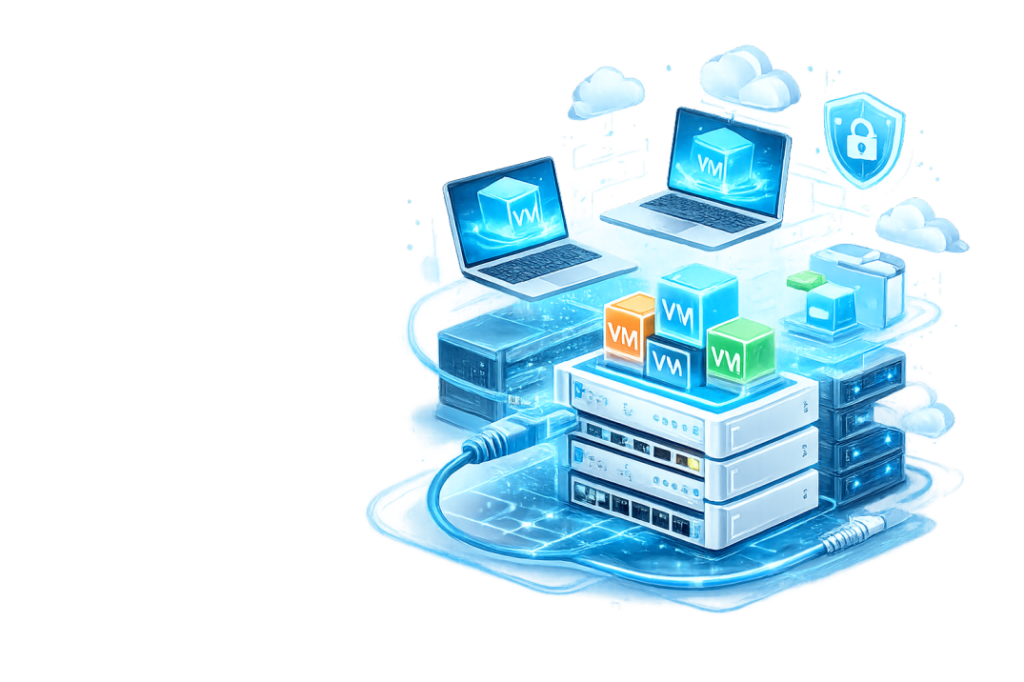
This VMware course is designed for students, IT professionals, and beginners who want to gain practical virtualization skills. You will learn installation, configuration, networking, snapshots, cloning, and lab environment setup, preparing you to handle real-world IT scenarios.Whether you are starting your IT journey or upgrading your professional skills, this program provides step-by-step labs, real hardware practice, and exam-focused learning to help you succeed in the CCNA exam and real-world networking environments.
Course Highlights
1️⃣ Hands-on demonstrations and guided tutorials
Learn by doing with step-by-step video demonstrations that show practical VMware setups in real lab environments.
2️⃣ Step-by-Step Approach for All Skill Levels
Whether you are a beginner or an IT professional, each lecture builds on the previous one to ensure smooth learning progression.
3️⃣ Practical Lab Exercises and Configuration Examples
Practice virtual machine creation, networking, snapshots, and cloning in a hands-on lab environment.
4️⃣ VMware Workstation and Enterprise Virtualization Focus
Master VMware Workstation and enterprise-level virtualization concepts to confidently handle professional IT tasks.
What You Will Learn
Understanding VMware and virtualization technology